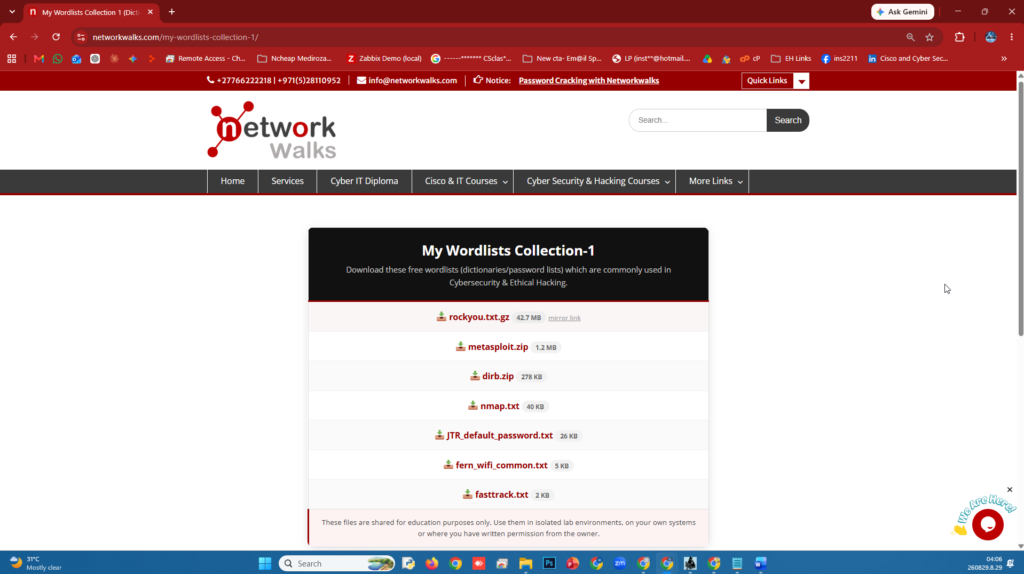
Wordlists Download These are our wordlists collections which are commonly used in Cybersecurity & Ethical Hacking. 📥 rockyou.txt.gz 42.7 MB mirror link 📥 metasploit.zip 1.19 MB 📥 dirb.zip 278 KB 📥 nmap.lst 39.4 KB 📥 JTR_default_password.txt 25.6 KB 📥 fern_wifi_common.txt 4 KB 📥 fasttrack.txt 1.96 KB Kali users, check /usr/share/wordlists/ first, most of these are already installed. Sources: Nmap, Metasploit by Rapid7, John the Ripper, Dirb, Fern Wifi Cracker, Social-Engineer Toolkit by TrustedSec. My GitHub Collection 1 These files are shared for education purposes only. Use them in isolated lab environments, on your own systems or where you have written Read More …